Python3 Errors and Exceptions
As a Python beginner, when first learning Python programming, you will often see some error messages. We haven’t mentioned them before, and this chapter will specifically introduce them.
Python has two types of errors that are easily recognizable: syntax errors and exceptions.
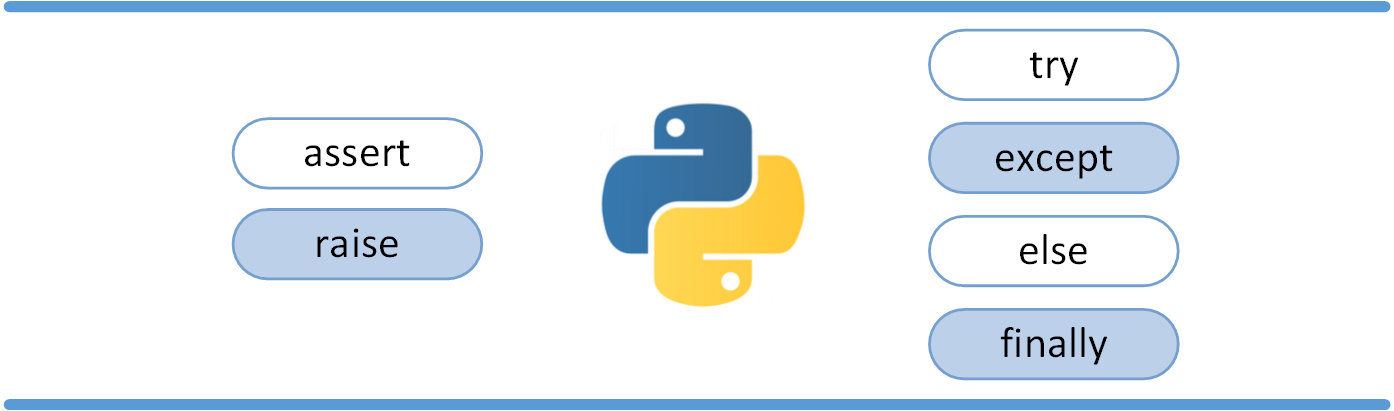
Python assert is used to evaluate an expression and triggers an exception when the expression condition is false.
Syntax Errors
Section titled “Syntax Errors”Python syntax errors, also known as parsing errors, are frequently encountered by beginners, as shown in the following example:
In this example, the function print() is detected as having an error because it is missing a colon : before it.
The parser points out the line where the error occurred and marks a small arrow at the location of the first error found.
Exceptions
Section titled “Exceptions”Even if the syntax of a Python program is correct, errors may still occur when running it. Errors detected at runtime are called exceptions.
Most exceptions are not handled by the program and are displayed here as error messages:
Example
Section titled “Example”Exceptions appear in different types, and these types are printed as part of the information: the types in the example are ZeroDivisionError, NameError, and TypeError.
The front part of the error message shows the context in which the exception occurred and displays specific information in the form of a call stack.
Exception Handling
Section titled “Exception Handling”try/except
Section titled “try/except”Exception catching can be done using the try/except statement.
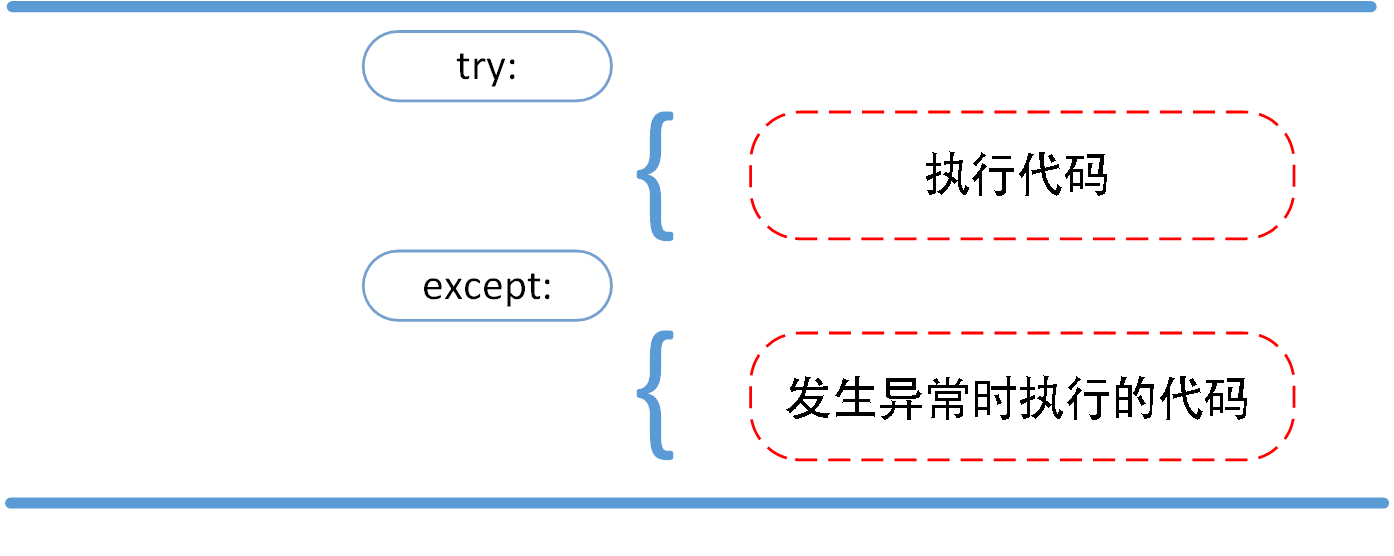
In the following example, the user is asked to enter a valid integer, but the user is allowed to interrupt the program (using Control-C or the method provided by the operating system). The user interrupt information will trigger a KeyboardInterrupt exception.
The try statement works as follows:
-
First, the try clause (the statements between the try keyword and the except keyword) is executed.
-
If no exception occurs, the except clause is ignored and the try clause ends after execution.
-
If an exception occurs during the execution of the try clause, the rest of the try clause will be ignored. If the type of the exception matches the name after except, the corresponding except clause will be executed.
-
If an exception does not match any except, the exception will be passed to the upper-level try.
A try statement may contain multiple except clauses to handle different specific exceptions. At most one branch will be executed.
The handler will only handle exceptions in the corresponding try clause, not exceptions in other try handlers.
An except clause can handle multiple exceptions simultaneously. These exceptions will be placed in parentheses as a tuple, for example:
The last except clause can ignore the exception name and will be used as a wildcard. You can use this method to print an error message and then throw the exception again.
try/except…else
Section titled “try/except…else”The try/except statement also has an optional else clause. If this clause is used, it must be placed after all except clauses.
The else clause will be executed when no exception occurs in the try clause.
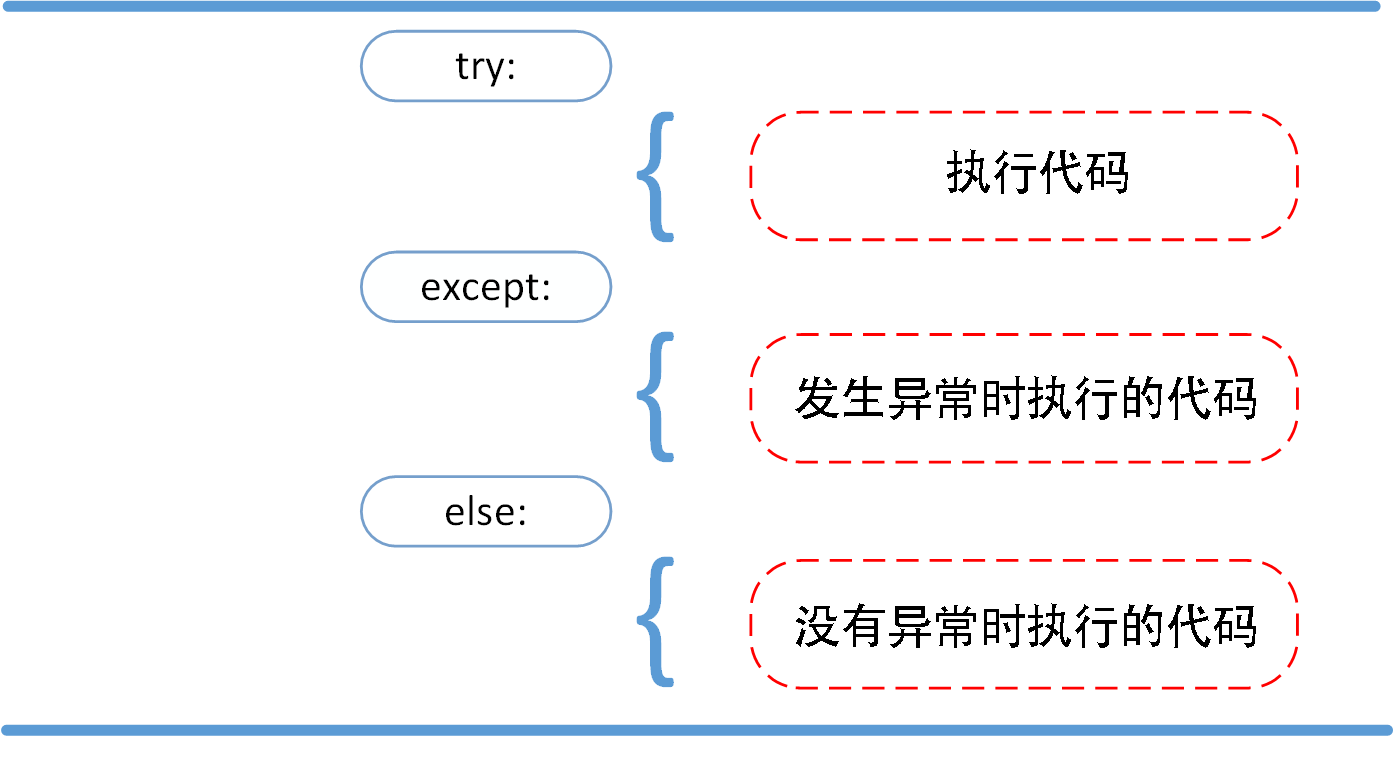
The following example checks whether a file can be opened in the try statement. If the file is opened normally without any exception, the else part of the statement is executed to read the file content:
Using the else clause is better than putting all statements in the try clause, as it can avoid some unexpected exceptions that except cannot catch.
Exception handling not only handles exceptions that occur directly in the try clause but also handles exceptions thrown by functions called in the clause (even indirectly called functions). For example:
try-finally Statement
Section titled “try-finally Statement”The try-finally statement will execute the final code regardless of whether an exception occurs.
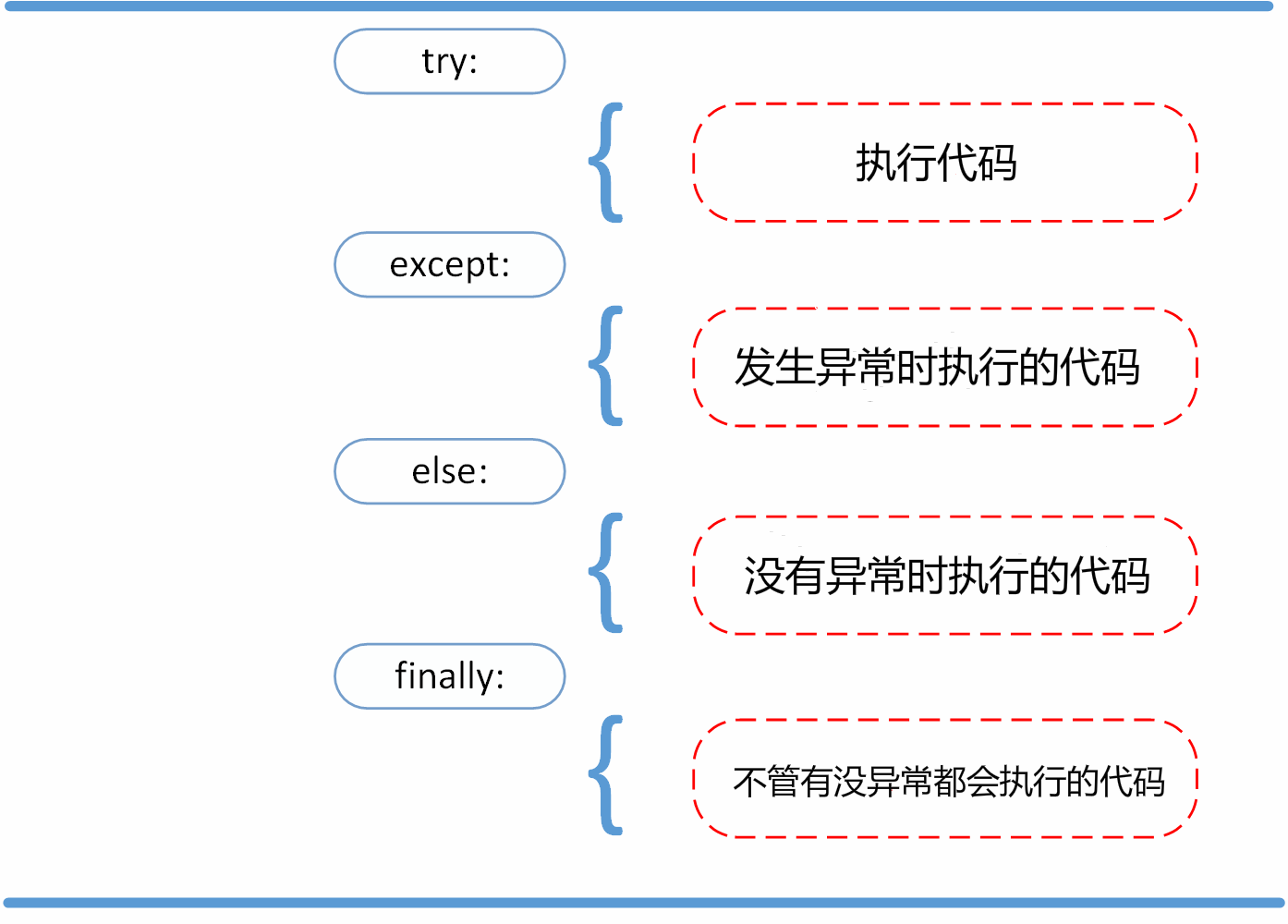
In the following example, the finally statement will execute regardless of whether an exception occurs:
Example
Section titled “Example”Raising Exceptions
Section titled “Raising Exceptions”Python uses the raise statement to throw a specified exception.
The raise syntax format is as follows:
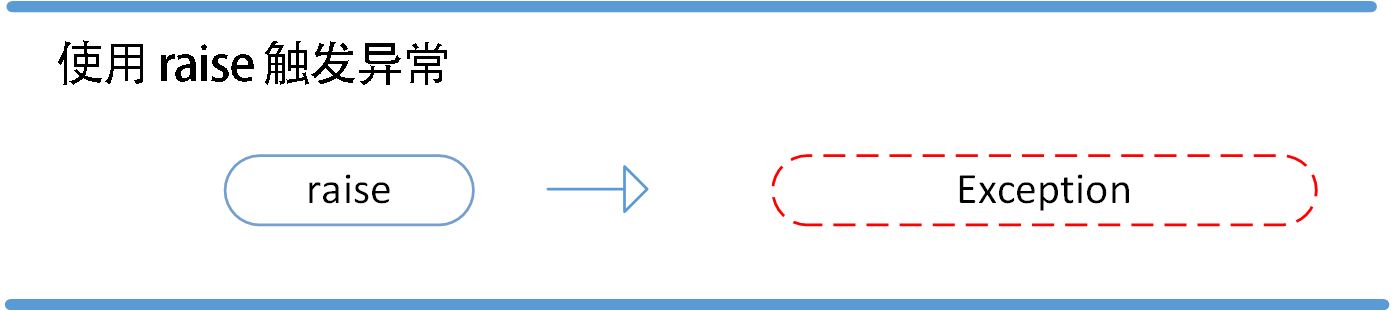
The following example triggers an exception if x is greater than 5:
Executing the above code will trigger an exception:
The single parameter of raise specifies the exception to be thrown. It must be an instance of an exception or an exception class (i.e., a subclass of Exception).
If you only want to know whether an exception is thrown and don’t want to handle it, a simple raise statement can throw it again.
User-Defined Exceptions
Section titled “User-Defined Exceptions”You can create your own exceptions by creating a new exception class. Exception classes inherit from the Exception class, either directly or indirectly, for example:
In this example, the default __init__() of the Exception class is overridden.
When creating a module that might throw multiple different exceptions, a common practice is to create a base exception class for the package and then create different subclasses based on this base class for different error situations:
Most exception names end with “Error,” just like standard exception naming conventions.
Defining Cleanup Actions
Section titled “Defining Cleanup Actions”The try statement has another optional clause that defines cleanup actions that will be executed under any circumstances. For example:
In the above example, regardless of whether an exception occurs in the try clause, the finally clause will be executed.
If an exception is thrown in the try clause (or in the except and else clauses) and no except catches it, the exception will be thrown after the finally clause is executed.
Here is a more complex example (containing both except and finally clauses in the same try statement):
Predefined Cleanup Actions
Section titled “Predefined Cleanup Actions”Some objects define standard cleanup actions. Whether the system successfully uses them or not, once they are no longer needed, the standard cleanup action will be executed.
The following example shows an attempt to open a file and then print the content to the screen:
The problem with the above code is that when execution is complete, the file remains open and is not closed.
The with keyword statement can ensure that objects like files correctly execute their cleanup methods after use:
After the above code is executed, even if problems occur during processing, the file f will always be closed.
For more on the with keyword, see: Python with Keyword