Python3 CGI Programming
What is CGI
Section titled “What is CGI”CGI is currently maintained by NCSA. NCSA defines CGI as follows:
CGI (Common Gateway Interface) is a program that runs on a server such as an HTTP server, providing an interface to the client’s HTML page.
Web Browsing
Section titled “Web Browsing”To better understand how CGI works, we can follow the process of clicking a link or URL on a webpage:
-
- Use your browser to access a URL and connect to an HTTP web server.
-
- After receiving the request, the web server parses the URL and checks whether the requested file exists on the server. If it exists, the file content is returned; if not, a corresponding error message is returned.
-
- The browser receives information from the server and displays the received file or error message.
A CGI program can be a Python script, PERL script, SHELL script, C or C++ program, etc.
CGI Architecture Diagram
Section titled “CGI Architecture Diagram”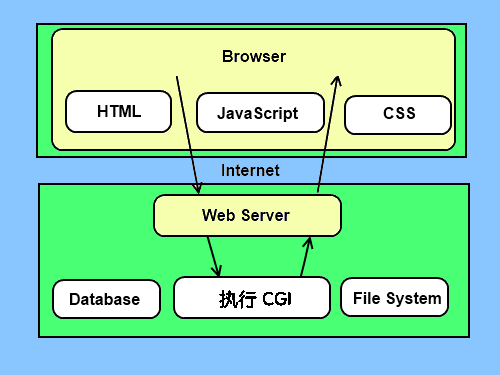
Web Server Support and Configuration
Section titled “Web Server Support and Configuration”Before you start CGI programming, ensure that your web server supports CGI and that CGI handlers have been configured.
Apache CGI configuration:
Set up the CGI directory:
All HTTP servers store CGI programs in a pre-configured directory. This directory is called the CGI directory, and by convention, it is named /var/www/cgi-bin.
The CGI file extension is .cgi; Python can also use the .py extension.
By default, the cgi-bin directory configured to run on Linux servers is /var/www.
If you want to specify other directories for running CGI scripts, you can modify the httpd.conf configuration file as follows:
Add the .py extension in AddHandler so we can access Python script files ending in .py:
Your First CGI Program
Section titled “Your First CGI Program”Let’s create the first CGI program using Python. The file is named hello.py, located in the /var/www/cgi-bin directory, with the following content:
Example
Section titled “Example”After saving the file, modify hello.py and change the file permissions to 755:
The above program displays the following result when accessed in a browser:
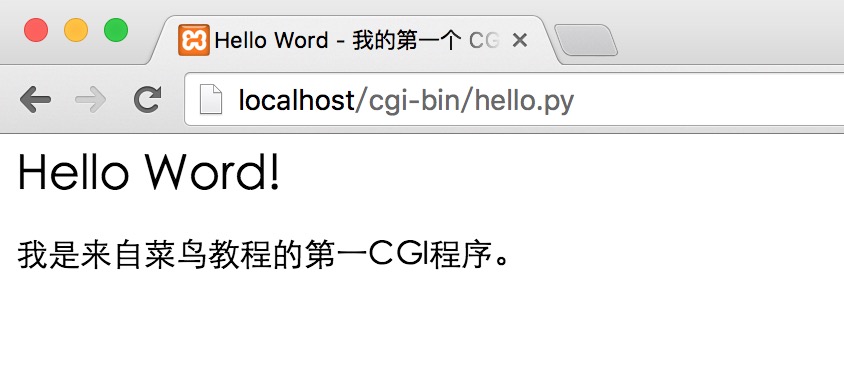
The hello.py script is a simple Python script. The first line of output “Content-type:text/html” is sent to the browser to tell it that the content type is “text/html”.
Use print to output an empty line to tell the server that the header information is finished.
HTTP Headers
Section titled “HTTP Headers”The “Content-type:text/html” in the hello.py file content is part of the HTTP header, which is sent to the browser to tell it the content type of the file.
The format of HTTP headers is as follows:
For example:
The following table introduces commonly used HTTP header information in CGI programs:
| Header | Description |
| Content-type: | The MIME information corresponding to the requested entity. For example: Content-type:text/html |
| Expires: Date | The date and time when the response expires |
| Location: URL | Used to redirect the recipient to a non-requested URL to complete the request or identify a new resource |
| Last-modified: Date | The last modification time of the requested resource |
| Content-length: N | The content length of the request |
| Set-Cookie: String | Set an HTTP Cookie |
CGI Environment Variables
Section titled “CGI Environment Variables”All CGI programs receive the following environment variables, which play an important role in CGI programs:
| Variable Name | Description |
| CONTENT_TYPE | The value of this environment variable indicates the MIME type of the transmitted information. Currently, CONTENT_TYPE is generally: application/x-www-form-urlencoded, indicating that the data comes from an HTML form. |
| CONTENT_LENGTH | When the server communicates with a CGI program via POST, this environment variable indicates the number of valid data bytes that can be read from standard input (STDIN). This variable must be used when reading input data. |
| HTTP_COOKIE | The COOKIE content in the client. |
| HTTP_USER_AGENT | Provides client browser information including version numbers or other proprietary data. |
| PATH_INFO | The value of this environment variable represents additional path information immediately following the CGI program name. It often appears as a parameter to the CGI program. |
| QUERY_STRING | If the server passes information to the CGI program via GET, the value of this environment variable is the transmitted information. This information follows the CGI program name, separated by a question mark ‘?’. |
| REMOTE_ADDR | The value of this environment variable is the IP address of the client sending the request, e.g. 192.168.1.67. This value always exists. It is the only identifier the web client needs to provide to the web server, and can be used in CGI programs to distinguish different web clients. |
| REMOTE_HOST | The value of this environment variable contains the host name of the client sending the CGI request. If reverse lookup is not supported, this environment variable does not need to be defined. |
| REQUEST_METHOD | Provides the method by which the script is invoked. For scripts using HTTP/1.0 protocol, only GET and POST are meaningful. |
| SCRIPT_FILENAME | The full path of the CGI script |
| SCRIPT_NAME | The name of the CGI script |
| SERVER_NAME | This is your web server’s host name, alias, or IP address. |
| SERVER_SOFTWARE | The value of this environment variable contains the name and version number of the HTTP server calling the CGI program. For example, the value above is Apache/2.2.14(Unix) |
The following is a simple CGI script that outputs CGI environment variables:
Example
Section titled “Example”Save the above as test.py, modify the file permissions to 755, and the execution result is as follows:
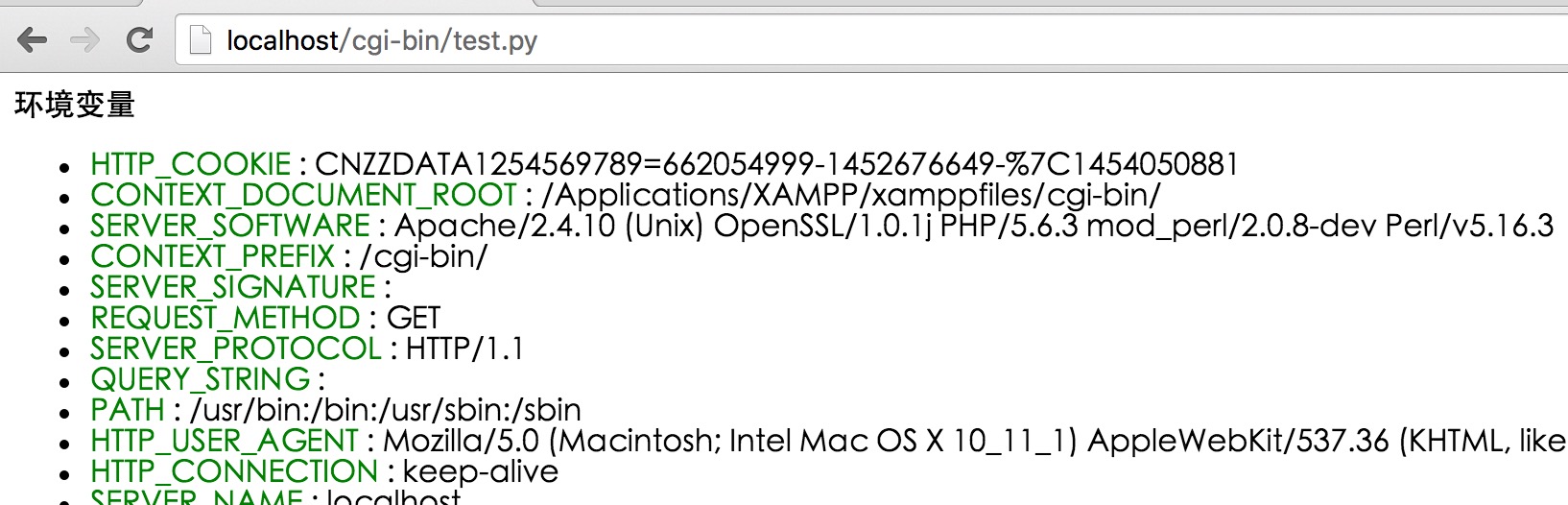
GET and POST Methods
Section titled “GET and POST Methods”The browser client transmits information to the server through two methods: GET and POST.
Using the GET Method to Transmit Data
Section titled “Using the GET Method to Transmit Data”The GET method sends encoded user information to the server. The data is included in the URL of the requested page, separated by a “?” character, as shown below:
Some other notes about GET requests:
- GET requests can be cached
- GET requests remain in browser history
- GET requests can be bookmarked
- GET requests should not be used when handling sensitive data
- GET requests have length limitations
- GET requests should only be used to retrieve data
Simple URL Example: GET Method
Section titled “Simple URL Example: GET Method”The following is a simple URL that sends two parameters to the hello_get.py program using the GET method:
The following is the code for the hello_get.py file:
Example
Section titled “Example”After saving the file, modify hello_get.py and change the file permissions to 755:
Browser request output result:
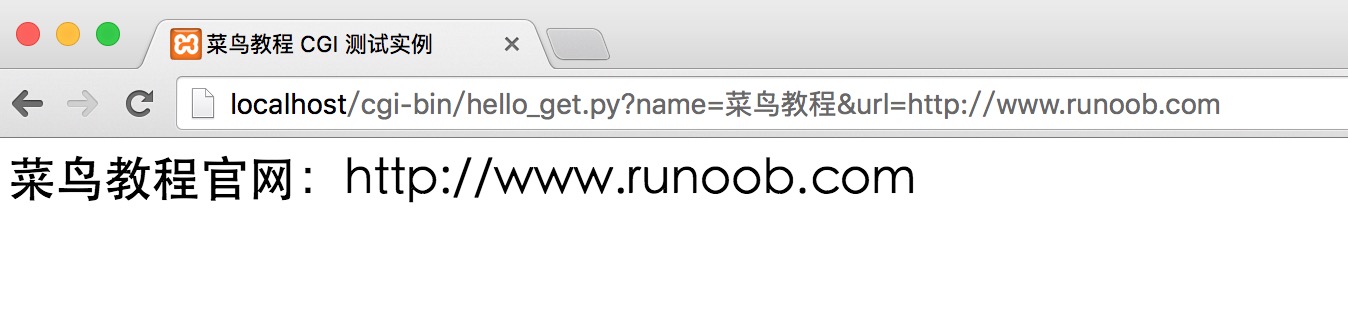
Simple Form Example: GET Method
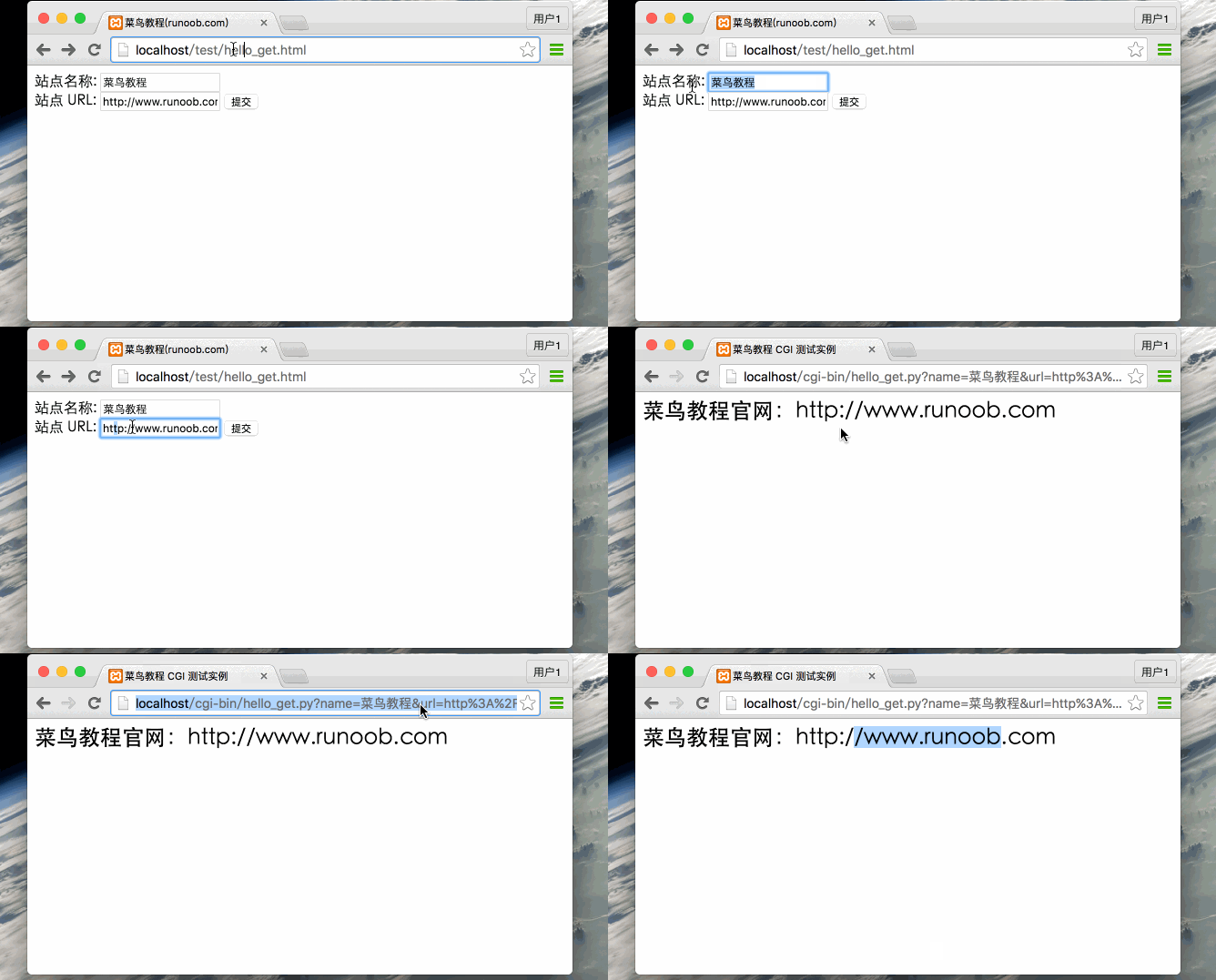
Section titled “Simple Form Example: GET Method”The following is an HTML form that sends two pieces of data to the server using the GET method. The submitted server script is also the hello_get.py file. The hello_get.html code is as follows:
Example
Section titled “Example”By default, the cgi-bin directory can only store script files. We store hello_get.html in the test directory and modify the file permissions to 755:
The GIF demonstration is as follows:
Using the POST Method to Transmit Data
Section titled “Using the POST Method to Transmit Data”Using the POST method to transmit data to the server is more secure and reliable. Sensitive information such as user passwords should be transmitted using POST.
The following is also hello_get.py, which can also handle POST form data submitted by the browser:
Example
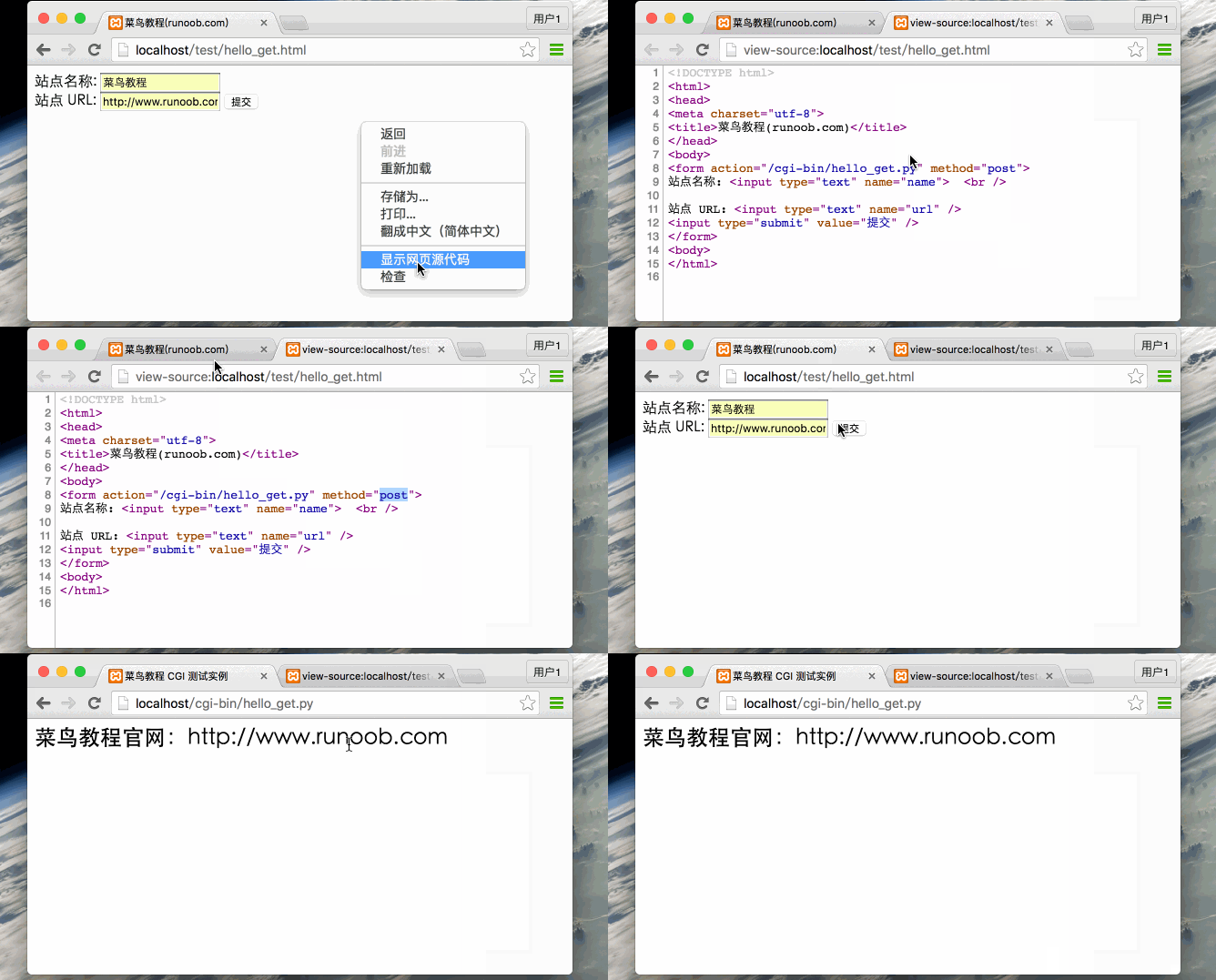
Section titled “Example”The following is a form that submits data to the server script hello_get.py via the POST method (method=“post”):
Example
Section titled “Example”The GIF demonstration is as follows:
Passing Checkbox Data via CGI Program
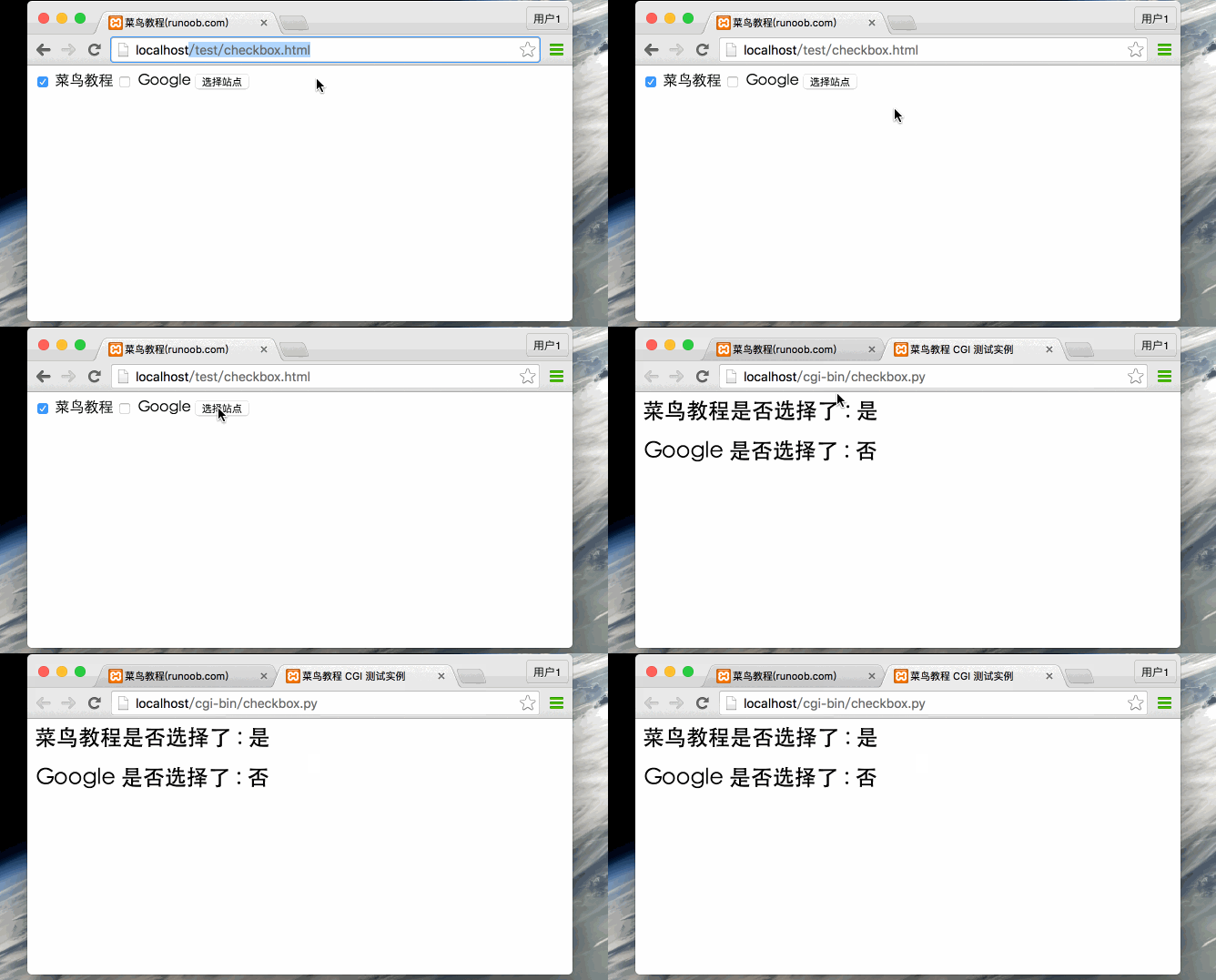
Section titled “Passing Checkbox Data via CGI Program”Checkboxes are used to submit one or more option data. The HTML code is as follows:
Example
Section titled “Example”The following is the code for the checkbox.py file:
Example
Section titled “Example”Modify checkbox.py permissions:
Browser access GIF demonstration:
Passing Radio Data via CGI Program
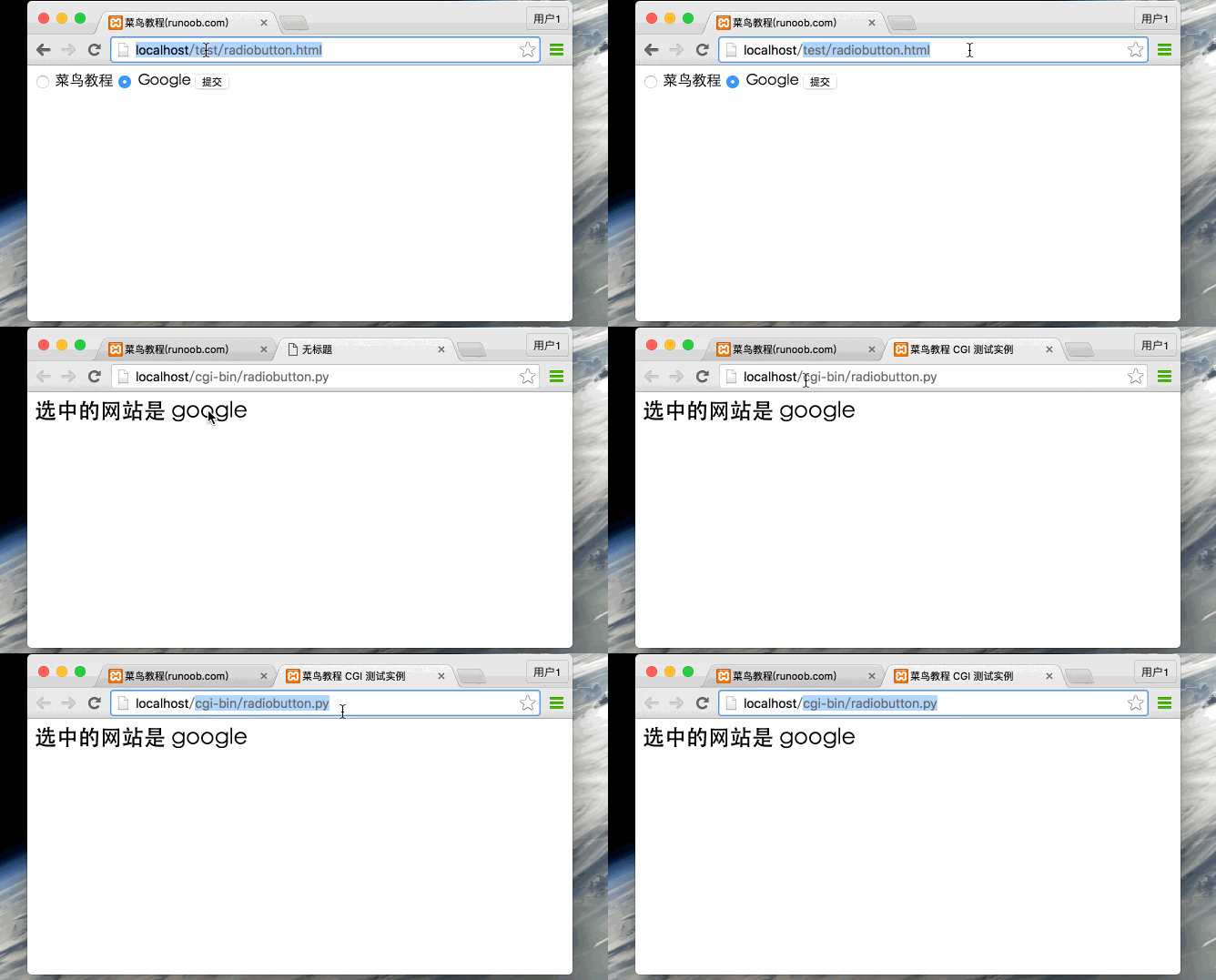
Section titled “Passing Radio Data via CGI Program”Radio sends only one piece of data to the server. The HTML code is as follows:
Example
Section titled “Example”The radiobutton.py script code is as follows:
Example
Section titled “Example”Modify radiobutton.py permissions:
Browser access GIF demonstration:
Passing Textarea Data via CGI Program
Section titled “Passing Textarea Data via CGI Program”Textarea sends multi-line data to the server. The HTML code is as follows:
Example
Section titled “Example”The textarea.py script code is as follows:
Example
Section titled “Example”>
Modify textarea.py permissions:
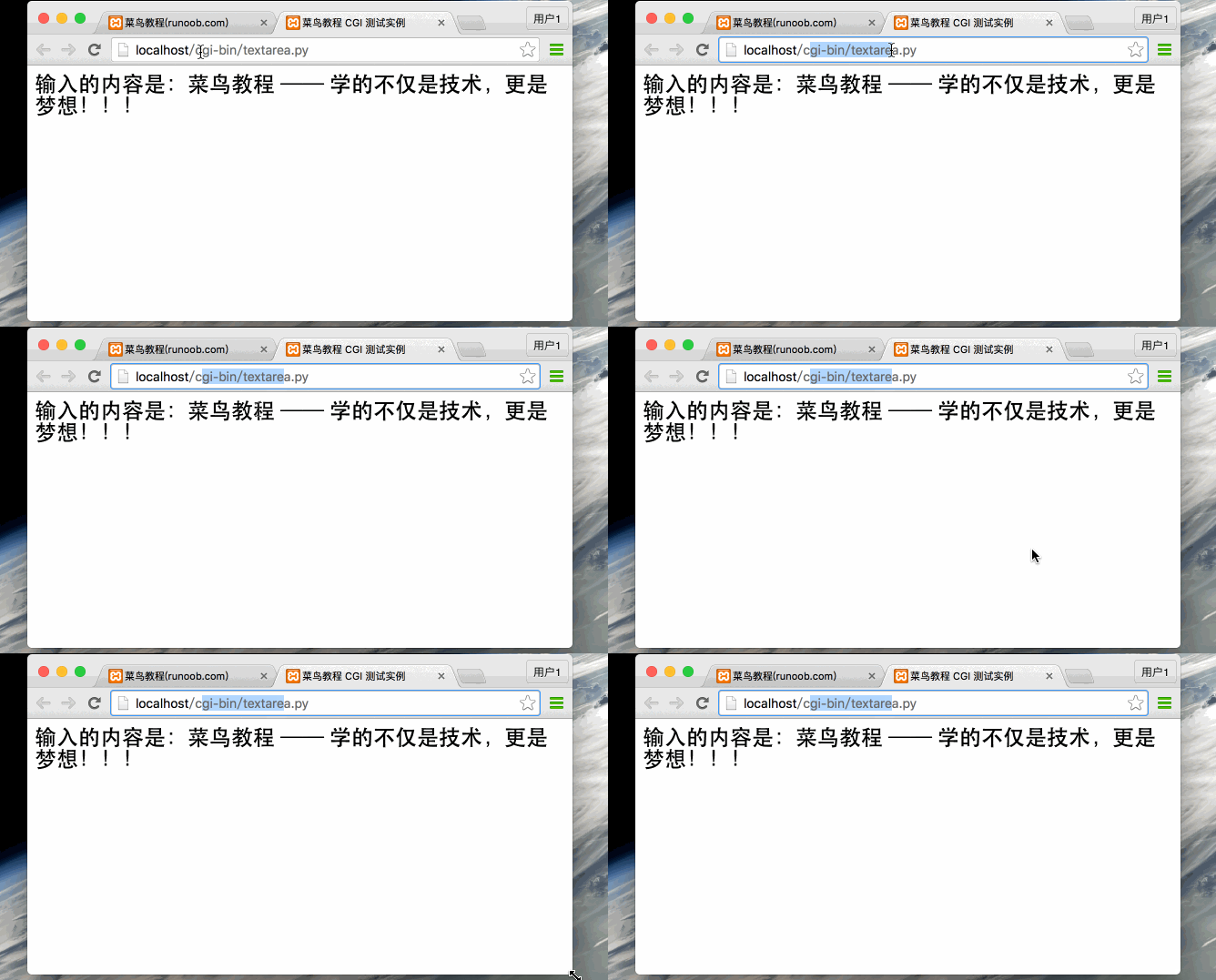
Browser access GIF demonstration:
Passing Dropdown Data via CGI Program
Section titled “Passing Dropdown Data via CGI Program”The HTML dropdown code is as follows:
Example
Section titled “Example”The dropdown.py script code is as follows:
Example
Section titled “Example”Modify dropdown.py permissions:
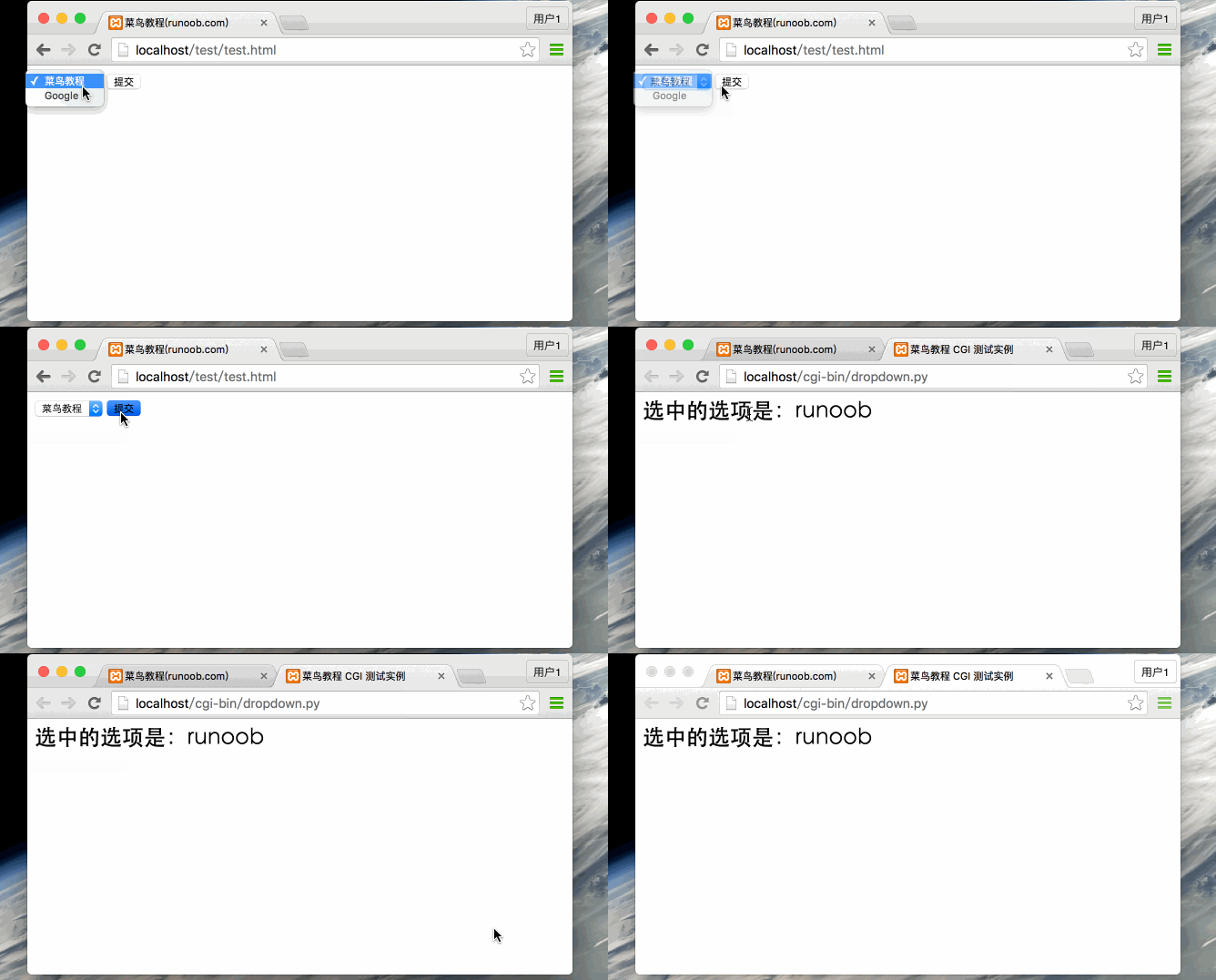
Browser access GIF demonstration:
Using Cookies in CGI
Section titled “Using Cookies in CGI”A major drawback of the HTTP protocol is that it does not identify user identity, which causes great inconvenience for programmers. The emergence of cookie functionality has compensated for this deficiency.
A cookie is data written to the client’s hard drive through the client’s browser when the client accesses a script. When the client accesses the script again, the data is retrieved, thereby achieving identity identification. Cookies are commonly used in identity verification.
Cookie Syntax
Section titled “Cookie Syntax”HTTP cookie transmission is implemented through HTTP headers, which precede file delivery. The syntax for the Set-Cookie header is as follows:
- name=name: The value of the cookie to be set (name cannot use “;” and “,” characters). When there are multiple name values, separate them with “;”, for example: name1=name1;name2=name2;name3=name3.
- expires=date: The validity period of the cookie, format: expires=“Wdy,DD-Mon-YYYY HH:MM:SS”
- path=path: Sets the path supported by the cookie. If path is a directory, the cookie takes effect for all files and subdirectories under this directory, for example: path=“/cgi-bin/”. If path is a file, the cookie only takes effect for that file, for example: path=“/cgi-bin/cookie.cgi”.
- domain=domain: The domain for which the cookie takes effect, for example: domain=“www.runoob.com”
- secure: If this flag is given, it indicates that the cookie can only be transmitted through an https server using SSL protocol.
- Cookie reception is implemented by setting the environment variable HTTP_COOKIE. CGI programs can retrieve cookie information by checking this variable.
Cookie Setting
Section titled “Cookie Setting”Setting a cookie is very simple. The cookie is sent separately in the HTTP header. The following example sets name and expires in the cookie:
Example
Section titled “Example”Save the above code to cookie_set.py and modify cookie_set.py permissions:
The above example uses the Set-Cookie header to set cookie information. Optional properties such as expiration time Expires, domain Domain, and path Path can also be set. This information is set before “Content-type:text/html”.
Retrieving Cookie Information
Section titled “Retrieving Cookie Information”Retrieving cookie information is very simple. Cookie information is stored in the CGI environment variable HTTP_COOKIE, in the following format:
The following is a simple CGI program to retrieve cookie information:
Example
Section titled “Example”Save the above code to cookie_get.py and modify cookie_get.py permissions:
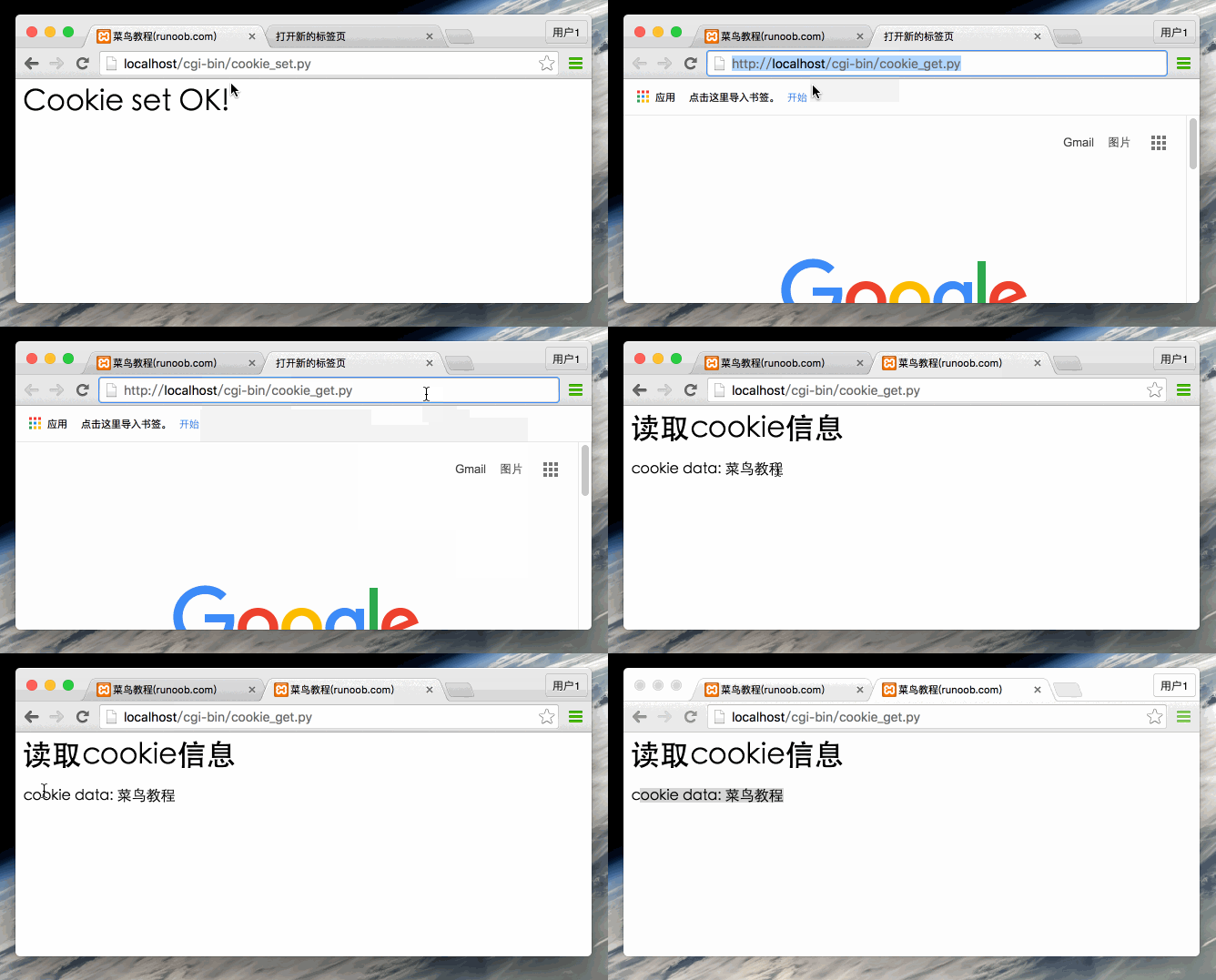
The above cookie setting demonstration GIF is as follows:
File Upload Example
Section titled “File Upload Example”The HTML form for uploading files needs to set the enctype attribute to multipart/form-data. The code is as follows:
Example
Section titled “Example”The save_file.py script file code is as follows:
Example
Section titled “Example”Save the above code to save_file.py and modify save_file.py permissions:
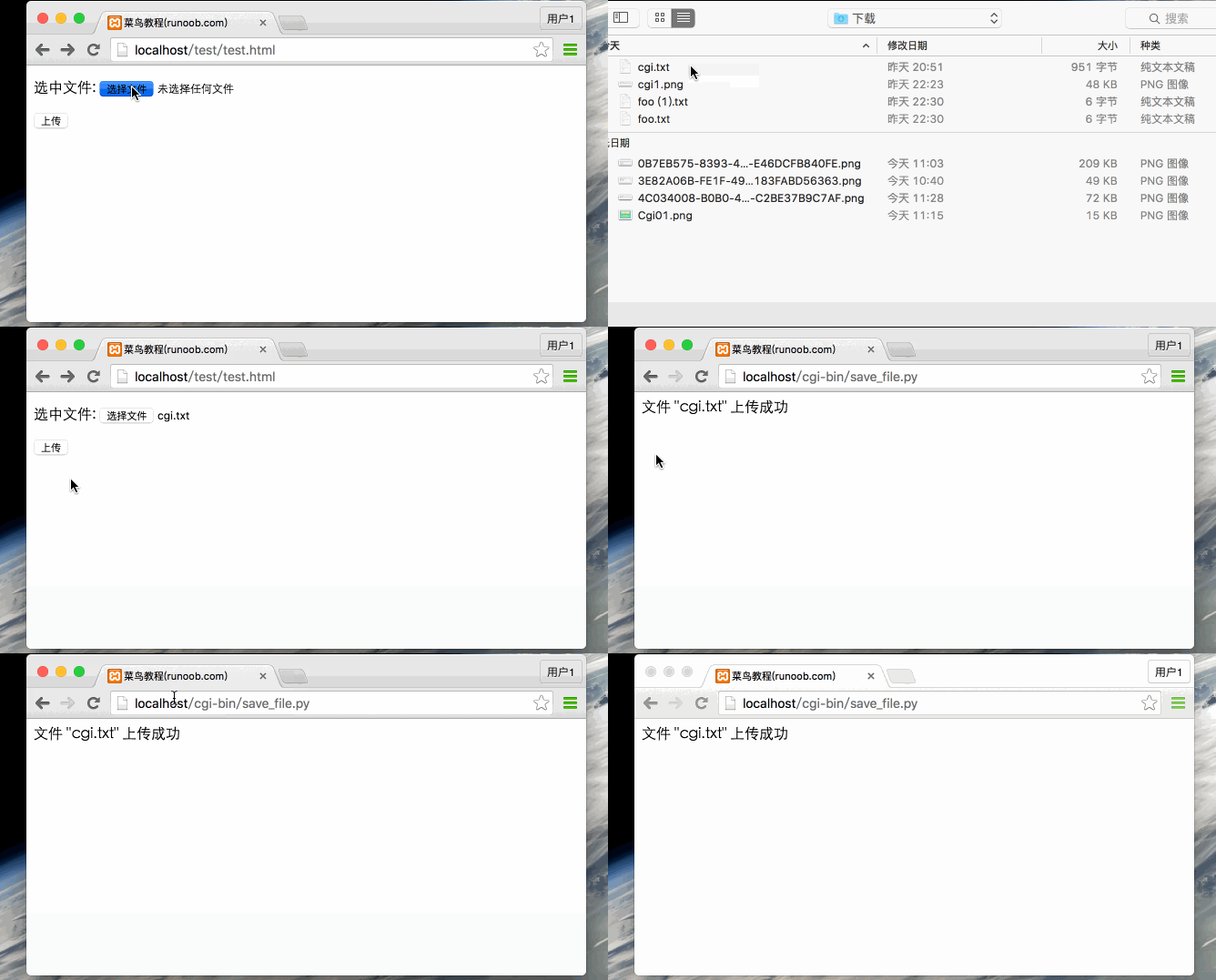
The above cookie setting demonstration GIF is as follows:
If you are using a Unix/Linux system, you must replace the file separator. On Windows, you only need to use the open() statement:
File Download Dialog
Section titled “File Download Dialog”First, create a foo.txt file in the current directory for the program to download.
File download is implemented by setting HTTP header information. The functional code is as follows: